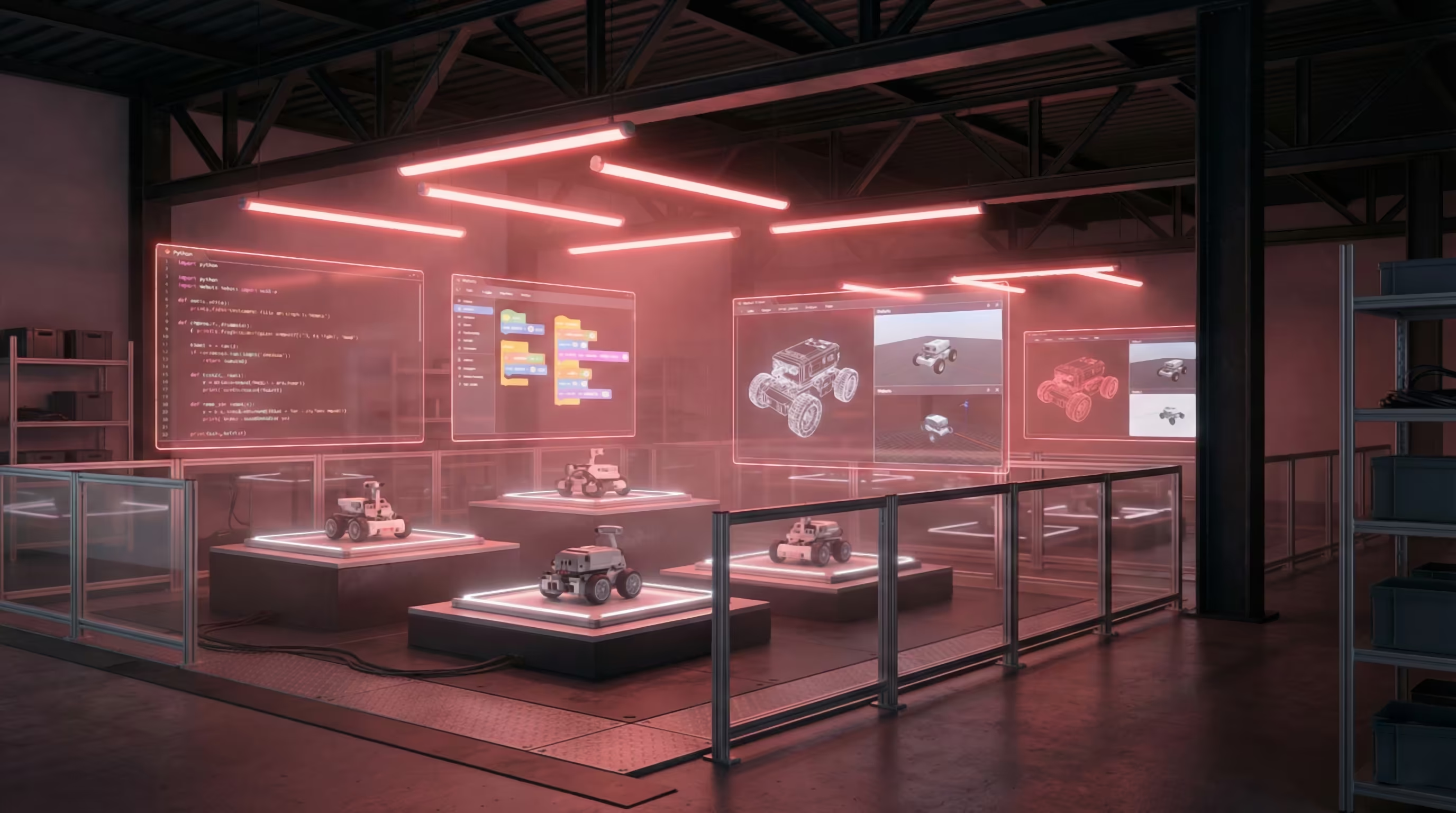
Selected Finalists
Teams advancing to the final round
Final
Follow these steps to get started with your robot
This is the Final round. Your RoboGames custom line-following robot will be delivered to your team by mail. Use the final booklet and technical booklet from this page, upload your code to the physical robot, and validate performance using a real-world arena setup.
- Download and read the Final Task Booklet
- Download and read the School Technical Booklet
Receive your RoboGames custom physical line-following robot via mail and verify all components are in working condition.
Build the test environment:
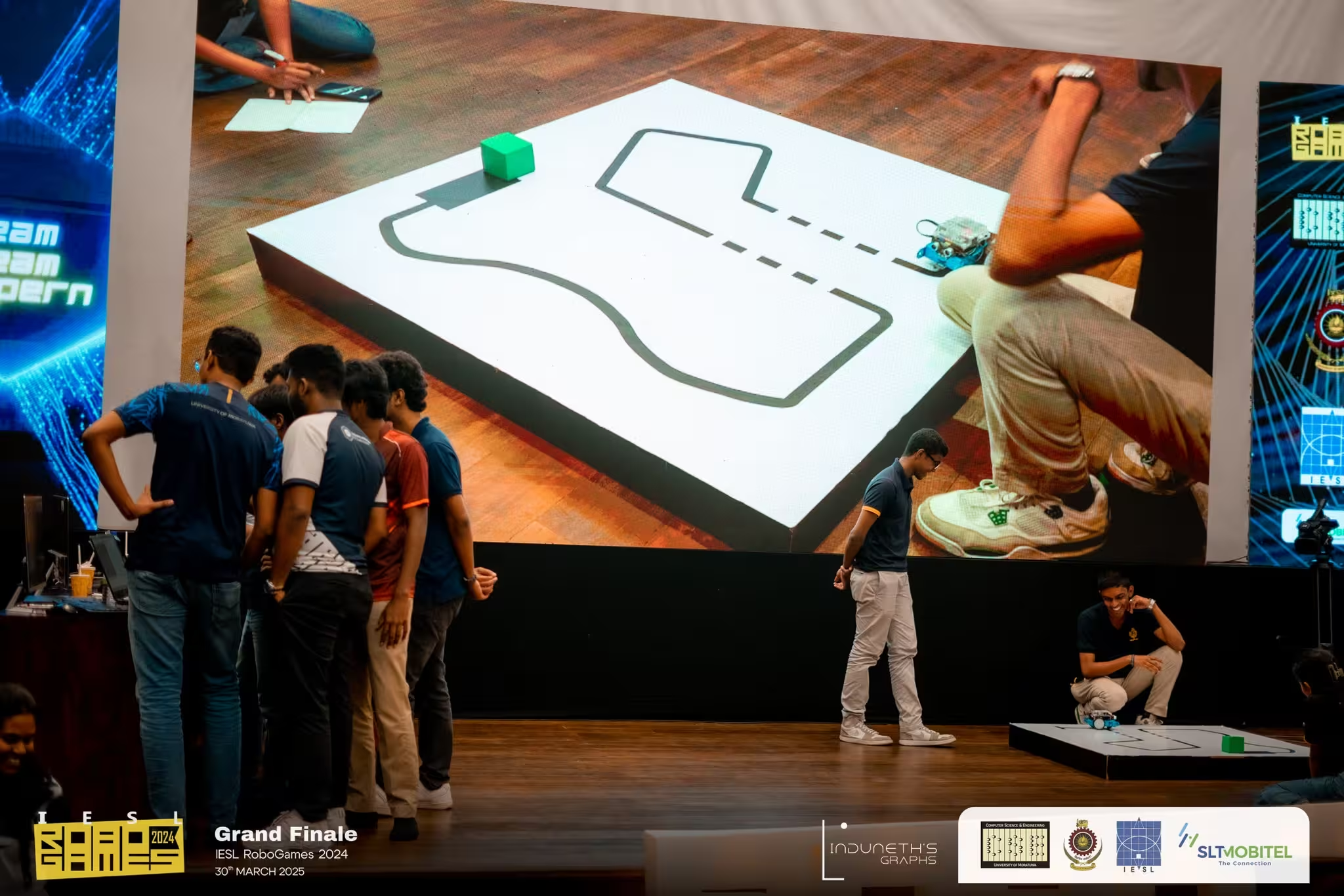
Create an exact replica of the provided final arena in your own space using the dimensions and markings in the task booklet.
Develop and compile your control logic according to the constraints and interfaces described in the School Technical Booklet.
Upload and test on hardware:
Flash/upload your program to the physical robot and run repeated tests on your arena replica.
Iterate and finalize:
Tune your logic for stability, then prepare the required final submission artifacts exactly as specified in the final booklet.
Important Notes
- This is a physical-robot final round, not a Webots simulation round
- Use the mailed RoboGames robot for real hardware testing
- Follow all technical and safety constraints in the provided booklets
- Build an exact replica of the given arena in your own space to make physical testing easier and more reliable
Competition Phases
Three structured phases from online simulation to in-person finals
Phase 1
Online participation using Webots simulation software
Phase 2
Advanced simulation challenges and video submissions
Phase 3
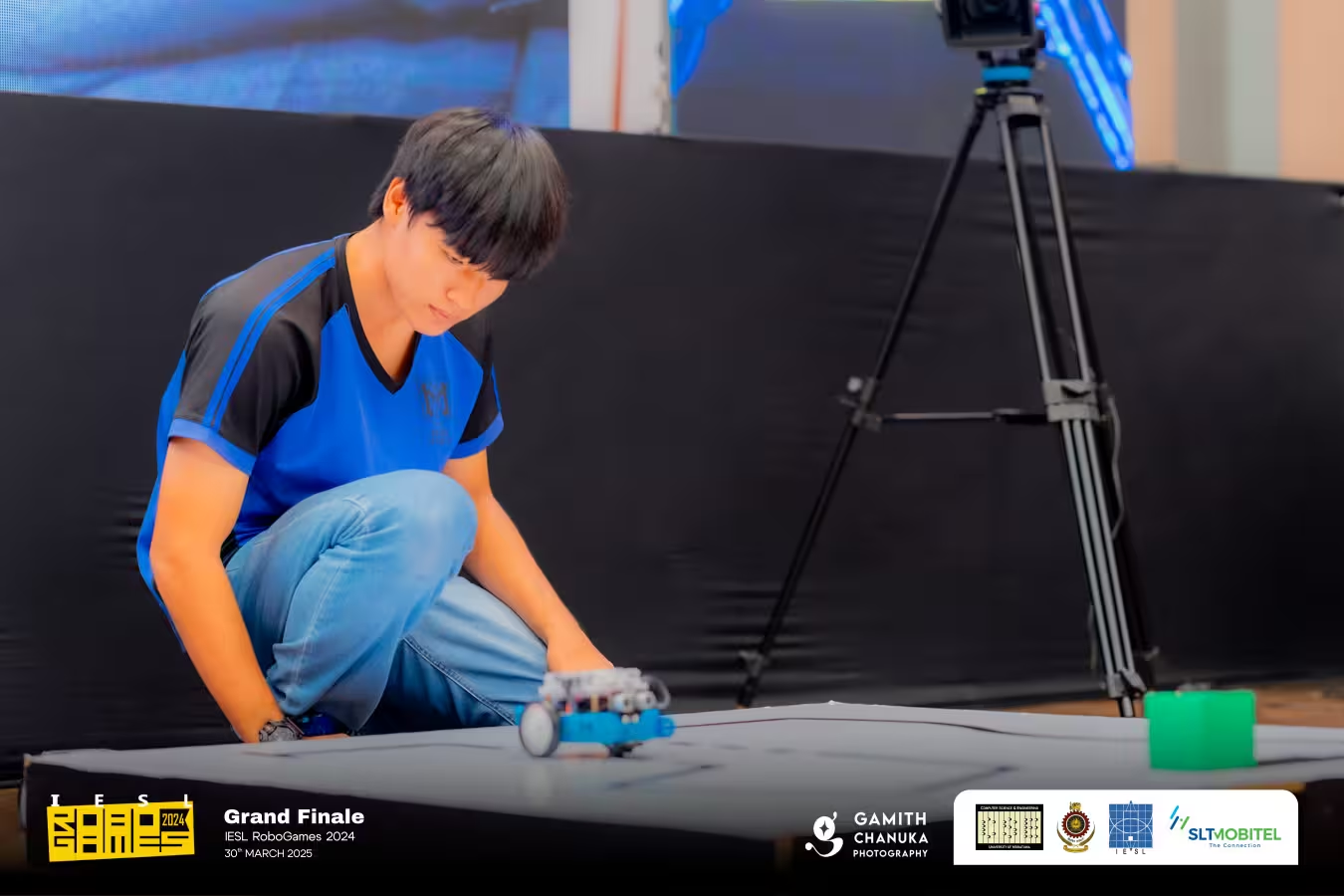
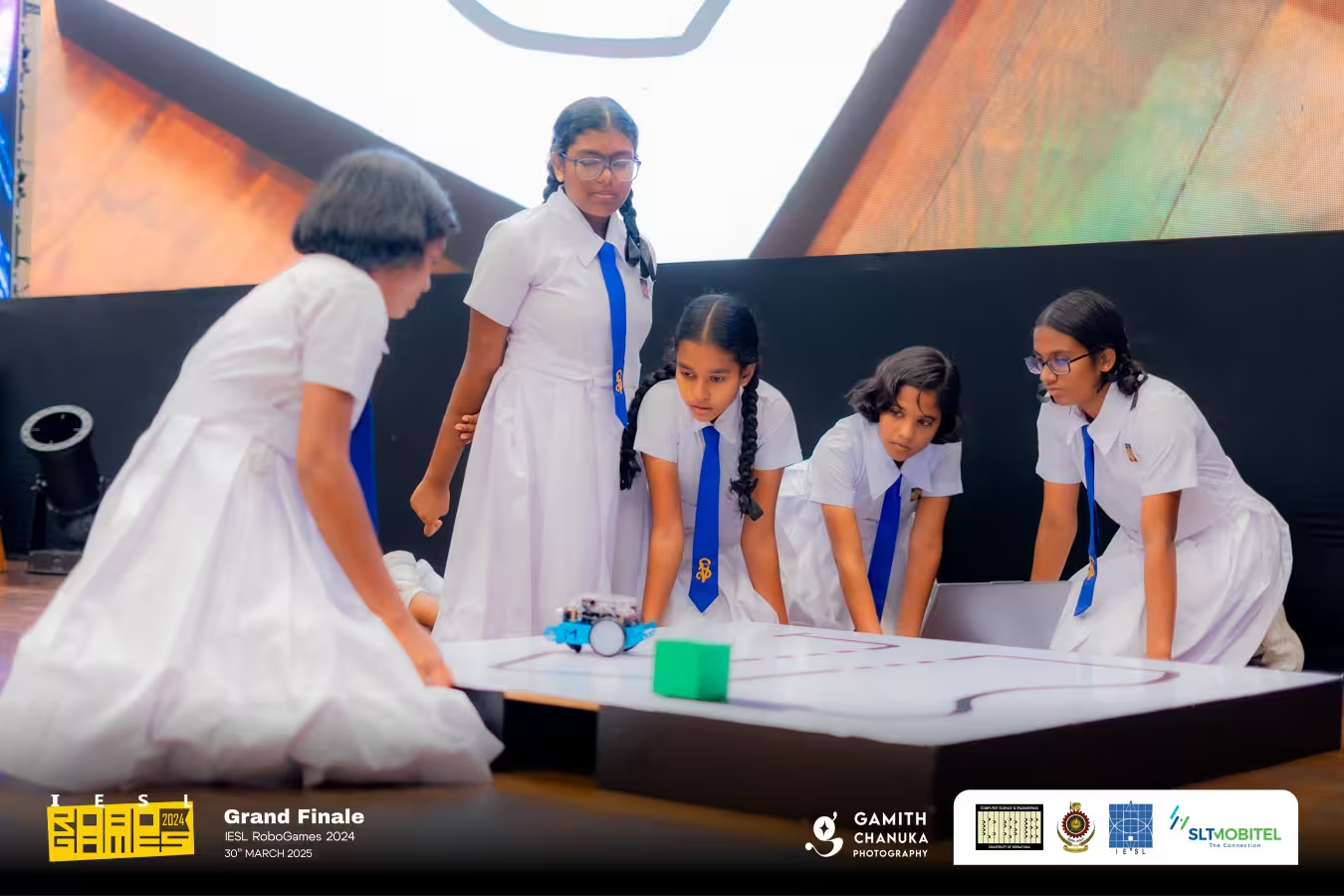
Final competition with provided physical robots
Awards & Recognition
Outstanding teams will be recognized for programming excellence and strategic thinking
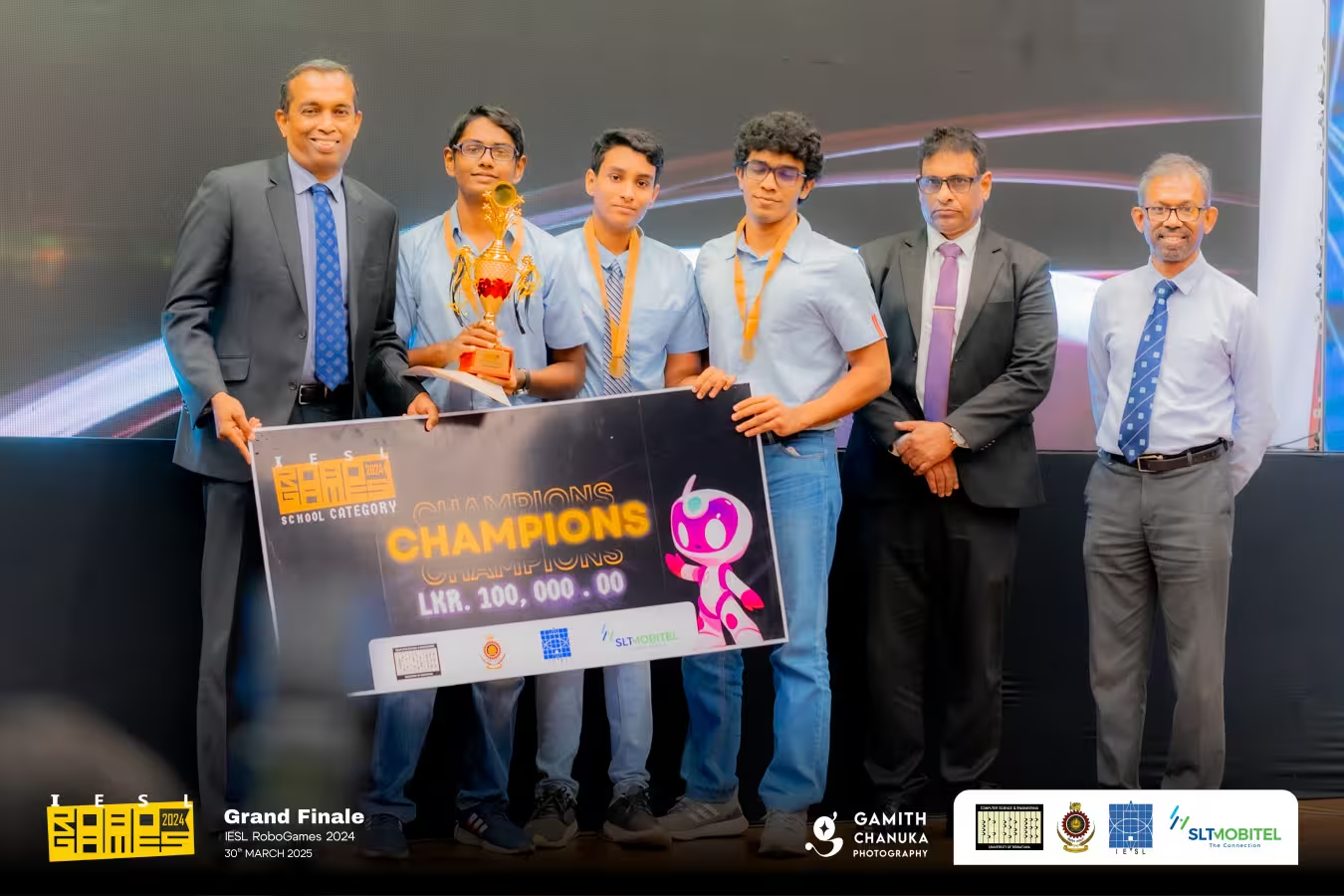
Champions
Rs. 100,000
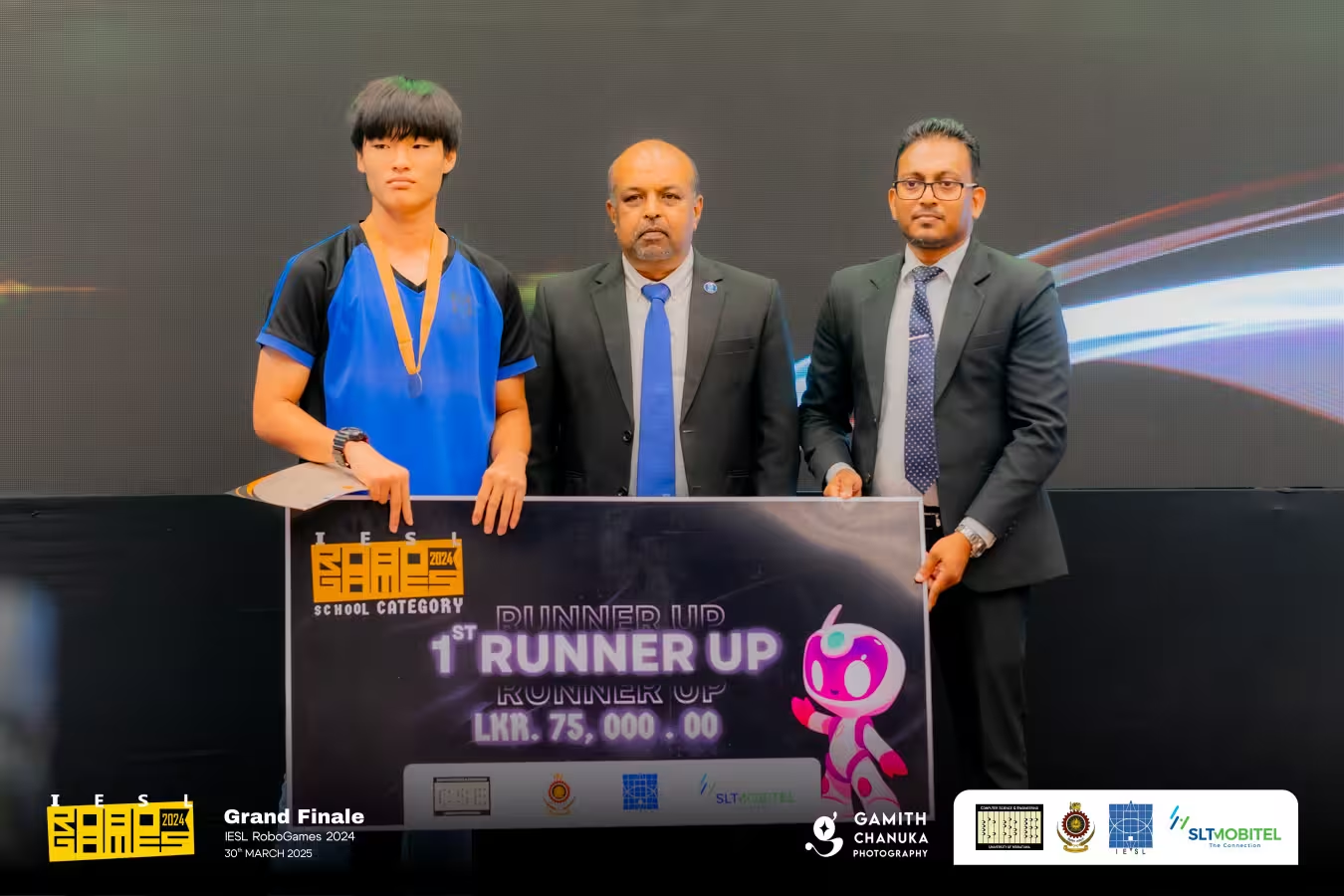
1st Runners Up
Rs. 75,000
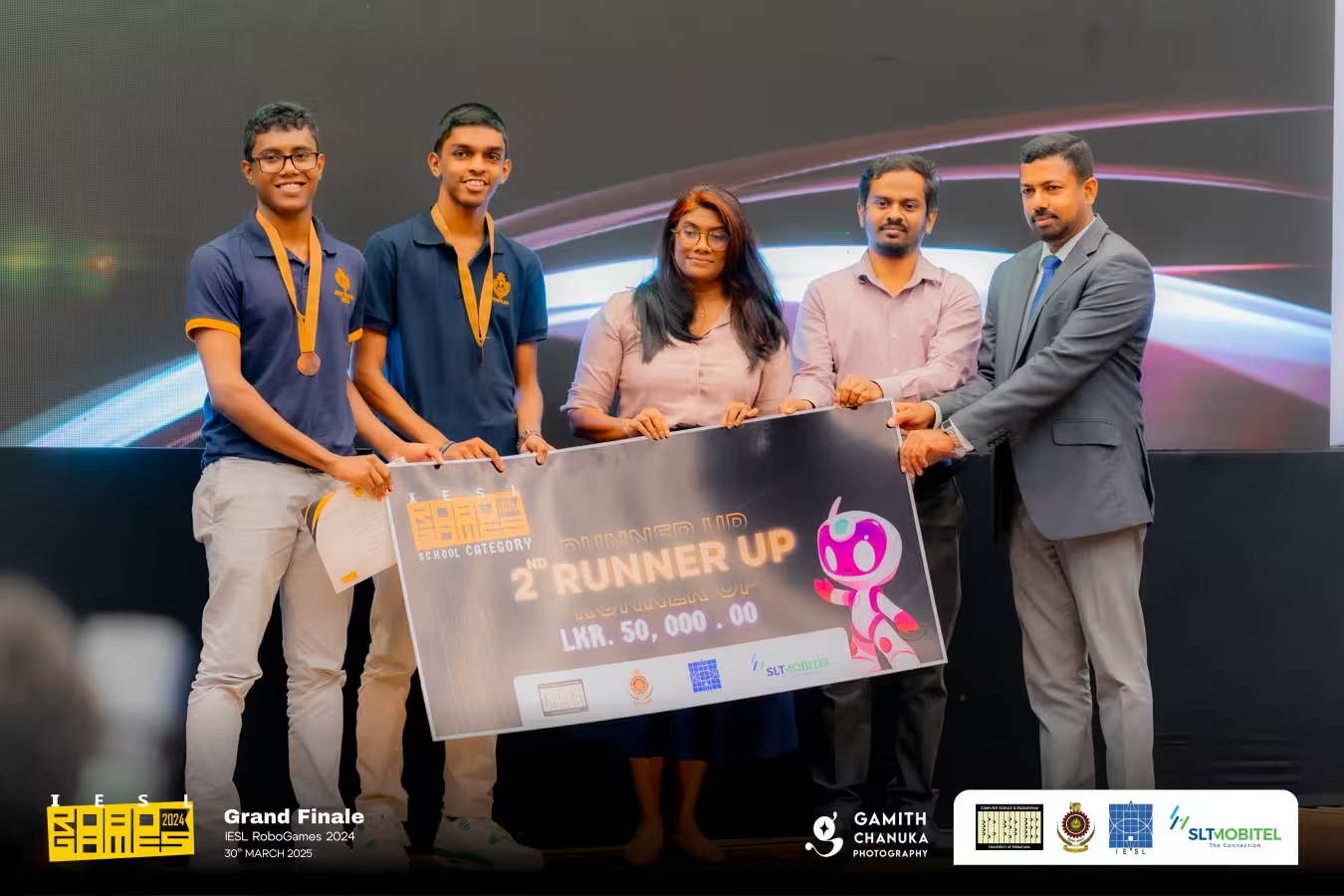
2nd Runners Up
Rs. 50,000
Total Prize Pool
Rs. 225,000
Frequently Asked Questions
Common questions about the School Category competition
What if I get a Webots warning about physics step?
Reduce the basicTimeStep value under WorldInfo in the Scene Tree to a value between 8 and 16. This adjustment does not affect task execution time as submissions are evaluated with the same basicTimeStep.
How do I create a video for submission?
Use the built-in record button in Webots or screen recording software like OBS Studio to record your robot's performance.
Is video submission mandatory?
Yes, it is mandatory to verify robot performance consistency between local machines and evaluation computers. Discrepancies may lead to contact for instructions on Python/C++ versions, library versions, etc.
Past Championships
Highlights from previous years of innovation and competition